Today i will show some cool step on how to see who attempt to unlock your android device. this one of best security mode on android device which helps you know who attempts to unlock your device. this feature does not come preinstall on android device, so to get this feature you will need a third-party app to get this feature on your device, the most amazing thing with this feature is that it works on both rooted and nonrooted device, follow the below steps on how to Capture Someone’s Picture who tries to unlock your phone
Capture Someone’s Picture Who Tries To Unlock Your Phone
to do this is not a difficult thing all you need to do is to follow these below steps am going to show and everything will work perfectly for you.
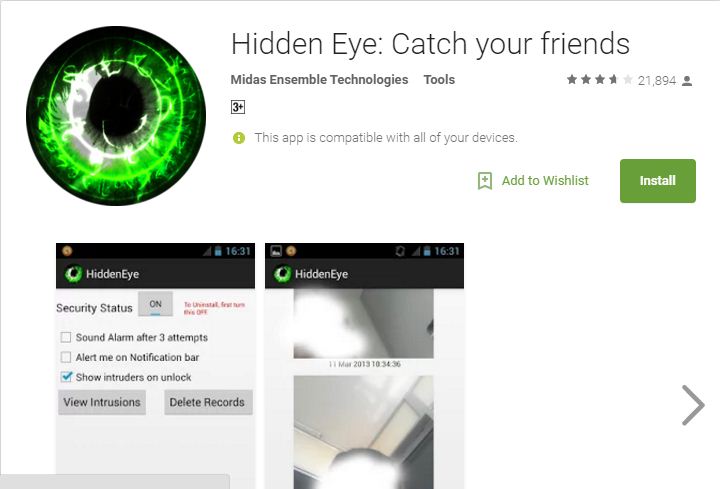
Step 1. First of all, you need to download and install the app Hidden Eye.
Step 2. Now open the app in your android and you will see the three checkboxes.
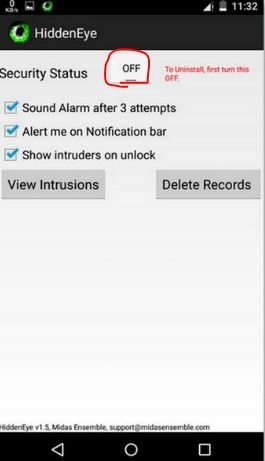
Step 3. Now tick on the Third option there which says “Show Intruders On Unlock” and then click on ok button.
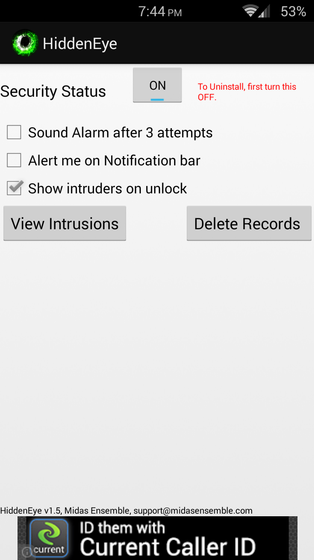
Step 4. You can also check other option too according to your wish. Make sure that the app gets activated after selecting all the options.
Step 5. Now, this app will work for you and when your friends try to unlock your android then this app will capture its pictures on your record. In your free time, you can check your records and can check that who tries to unlock your android in your absence.
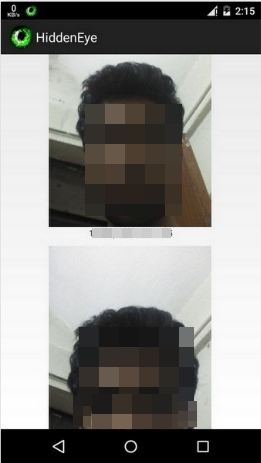
That’s it! you are done, now your android will catch your friends in your absence.
 FREE OTT CONTENT